
ShotTimer
Measure shot times with the iPhone’s microphone.
ShotTimer is a shot timer for IPSC and practical shooting practice. The iPhone’s microphone is the sensor, so no extra hardware is needed.
Coming soon to the App Store
Screenshots
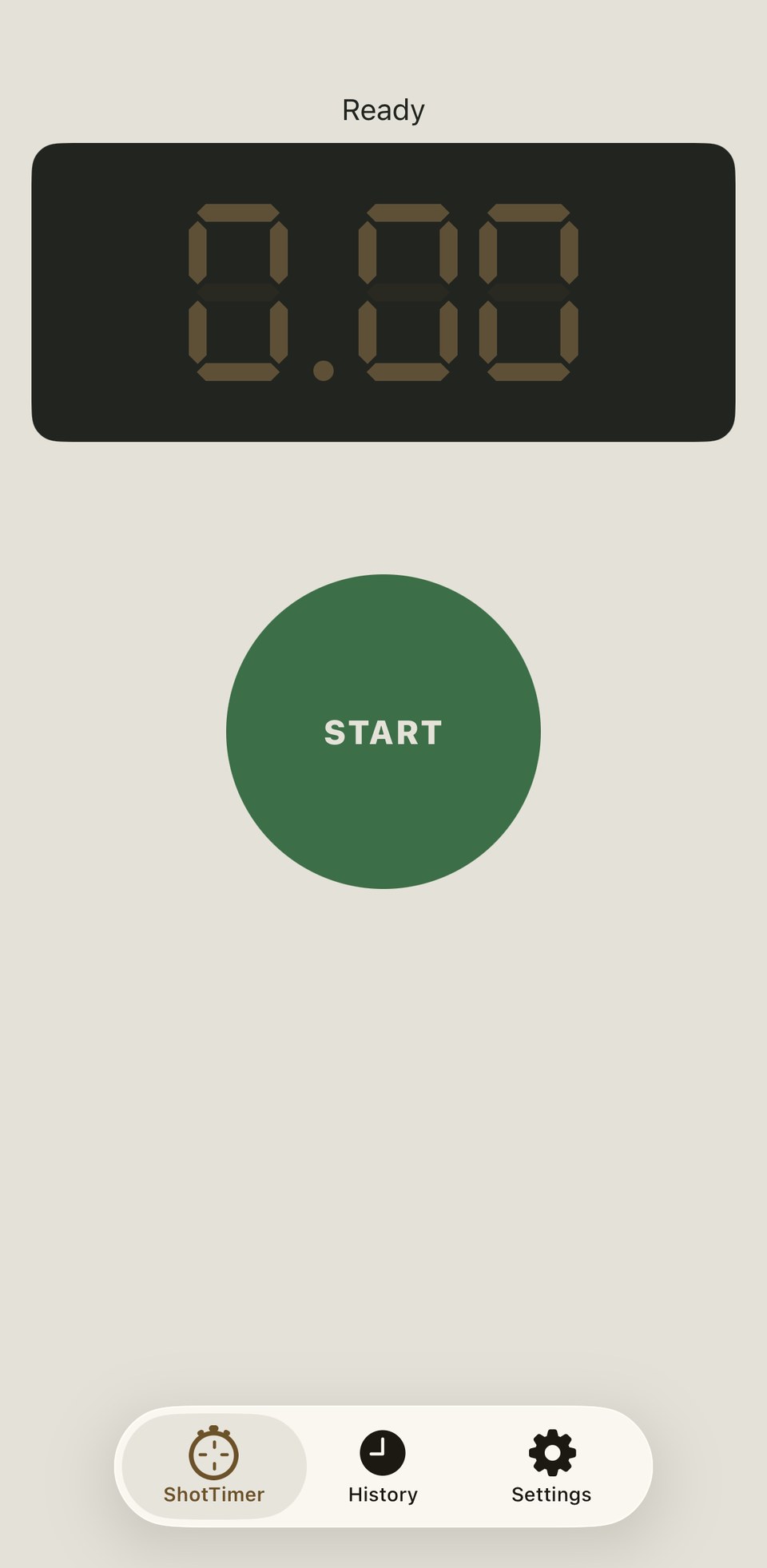
How it works
- Tap START. If Make Ready is enabled, the screen first turns indigo: tap when you are set, or wait out its timer.
- The screen turns orange for a random delay whose range you configure. Tapping here cancels the run.
- The start beep sounds and the screen turns red: ShotTimer is now listening on the microphone.
- Each shot shows up immediately with its split time and the delta from the previous shot.
- Tap anywhere to stop, or use par time for a second beep.
Features
The whole screen is the display
The entire screen is both the tap target and the status indicator. You can read the phase by its colour, even from a distance.
Detection via the microphone, testable live
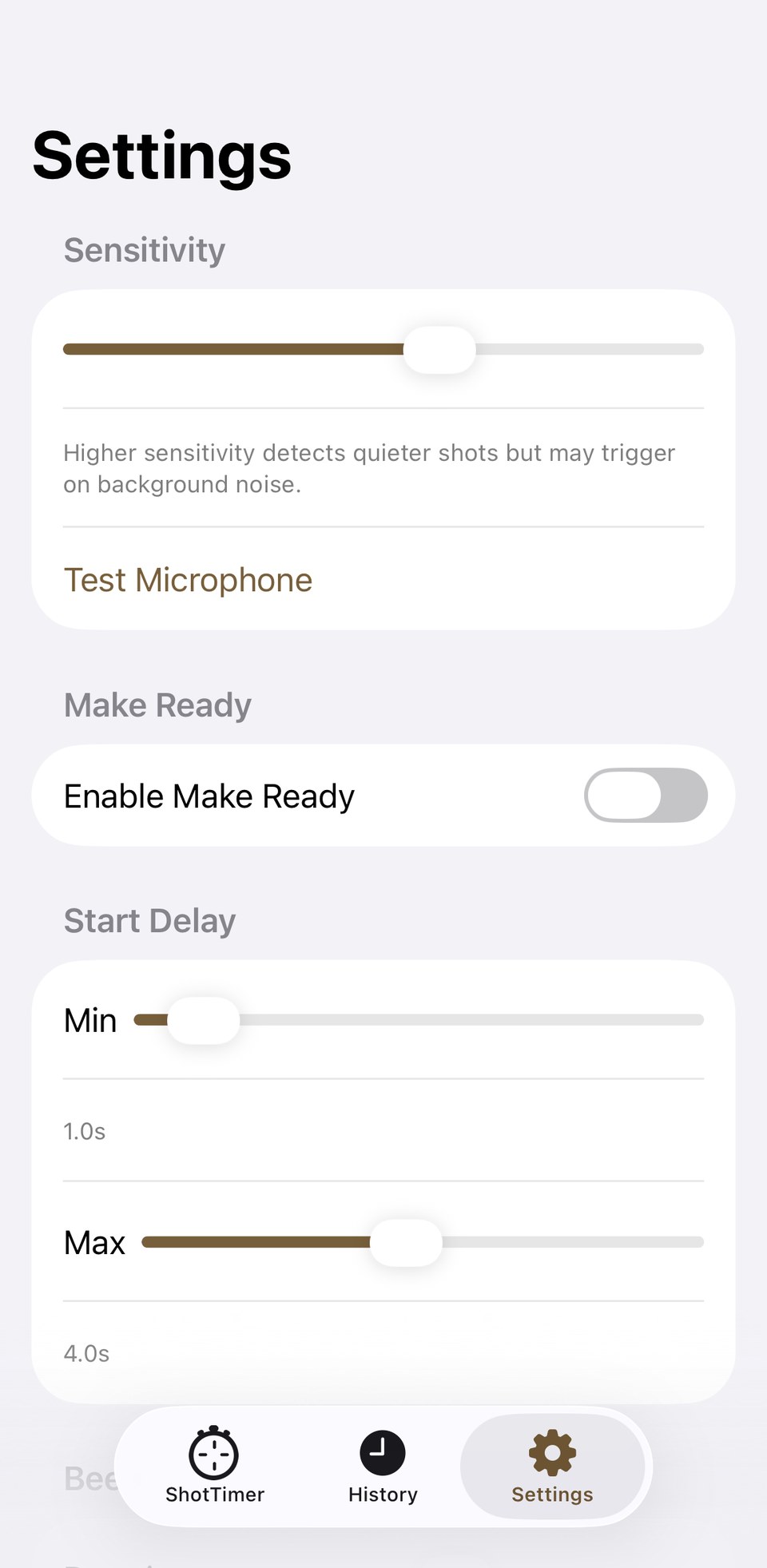
The level at the microphone input triggers a shot, with adjustable sensitivity. A live level meter in Settings shows the input in real time with the detection threshold marked as a line — clap or fire near the phone and see exactly where it lands, with a haptic buzz on each detected trigger, before you trust it to a real string of fire.
One shared time base
The start beep and every shot are stamped with the same audio host time, so split times stay independent of any user-interface delay.
Adjustable start beep
Duration and pitch are configurable. A blackout window after the beep keeps the beep itself from counting as a shot. The volume buttons control the beep volume.
Make Ready: an optional prep pause
Turn it on and the screen pauses before the random delay — time to holster up or get set, with or without its own timer.
Par time
Optionally a second beep sounds after a fixed time.
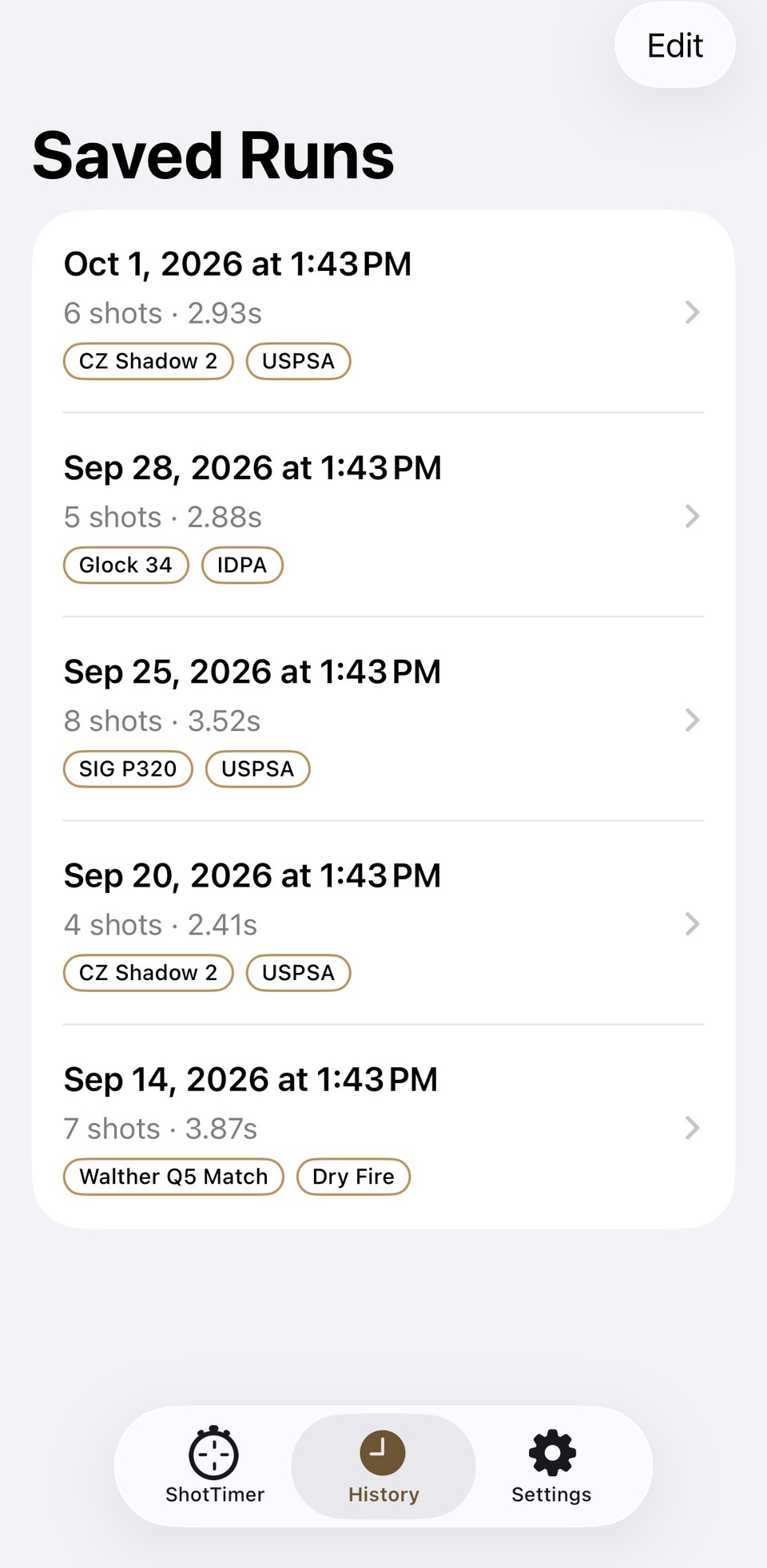
History with details
Every run with at least one shot is saved automatically, tagged with firearm, caliber, location and discipline — with autocomplete from your past entries. You delete unwanted runs from the history.
A real landscape layout
Turn the phone sideways and ShotTimer doesn’t just rotate the portrait view — it switches to its own layout, with the shot list beside the digital readout. Built for mounting the phone on a stand.
Private and offline
ShotTimer needs no account, saves every run only locally on your device, and makes no network connection at all. No tracking, no advertising or analytics SDKs.
ShotTimer is a practice aid, not a certified competition timer. Accuracy is bounded by the acoustic path from the speaker to the microphone, as with any consumer shot-timer app.
ShotTimer: Privacy Policy · Terms of Use
Questions, ideas, bugs?
Write to us via the contact form.